
Quick Start
Open the Editor
- Online demo: https://gavinyork.github.io/zephyr3d
System Requirements
- IndexedDB support
- WebGL / WebGPU support
- ES6 modules support
Create or Open a Project
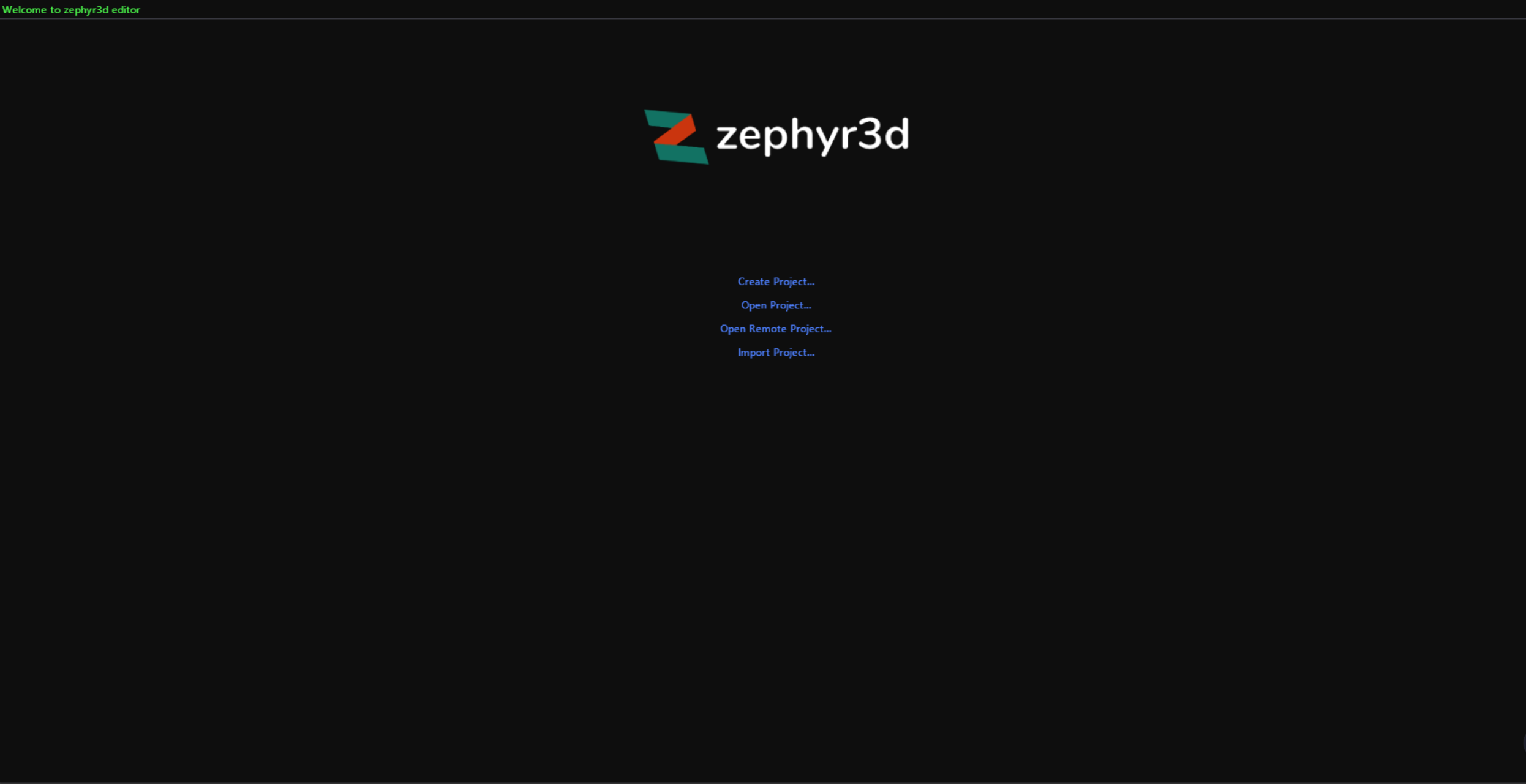
On the home screen you can choose:
- Create Project – Create a new project. The project will be stored in IndexedDB.
- Open Project – Open an existing project stored in IndexedDB.
- Open Remote Project – Open a remote project in read‑only mode via URL.
- Import Project – Import a project from your local disk into IndexedDB.
What You Can Do with a Project
Once a project is open, you can:
- Manage project assets
- Edit scene content
- Write and manage scripts
- Configure project settings
- Preview and publish your project